Step by step
Perform a design update to update a Profile management website:
- Open the Web page editor.
-
Select the corresponding Profile management Web page in the overview of Web pages.
-
Click the
 button (Change design of the template) to perform a design update for the current Web page.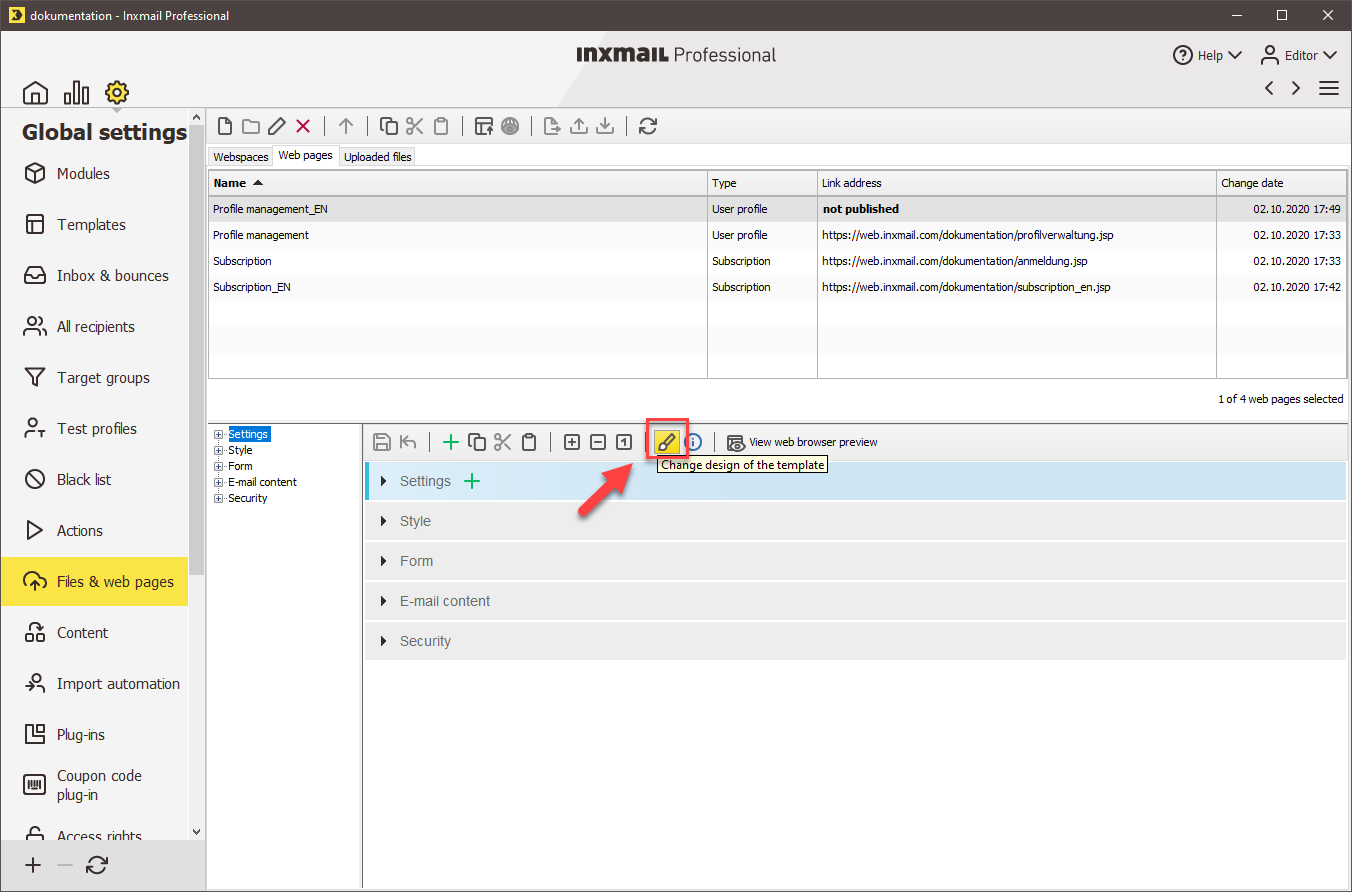
A dialog box appears.
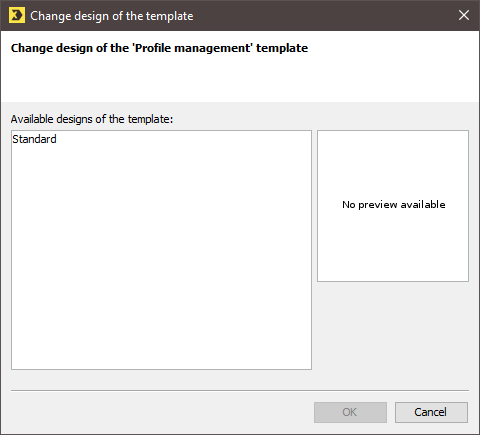
- Choose a template design and confirm the dialog box by clicking OK.
-
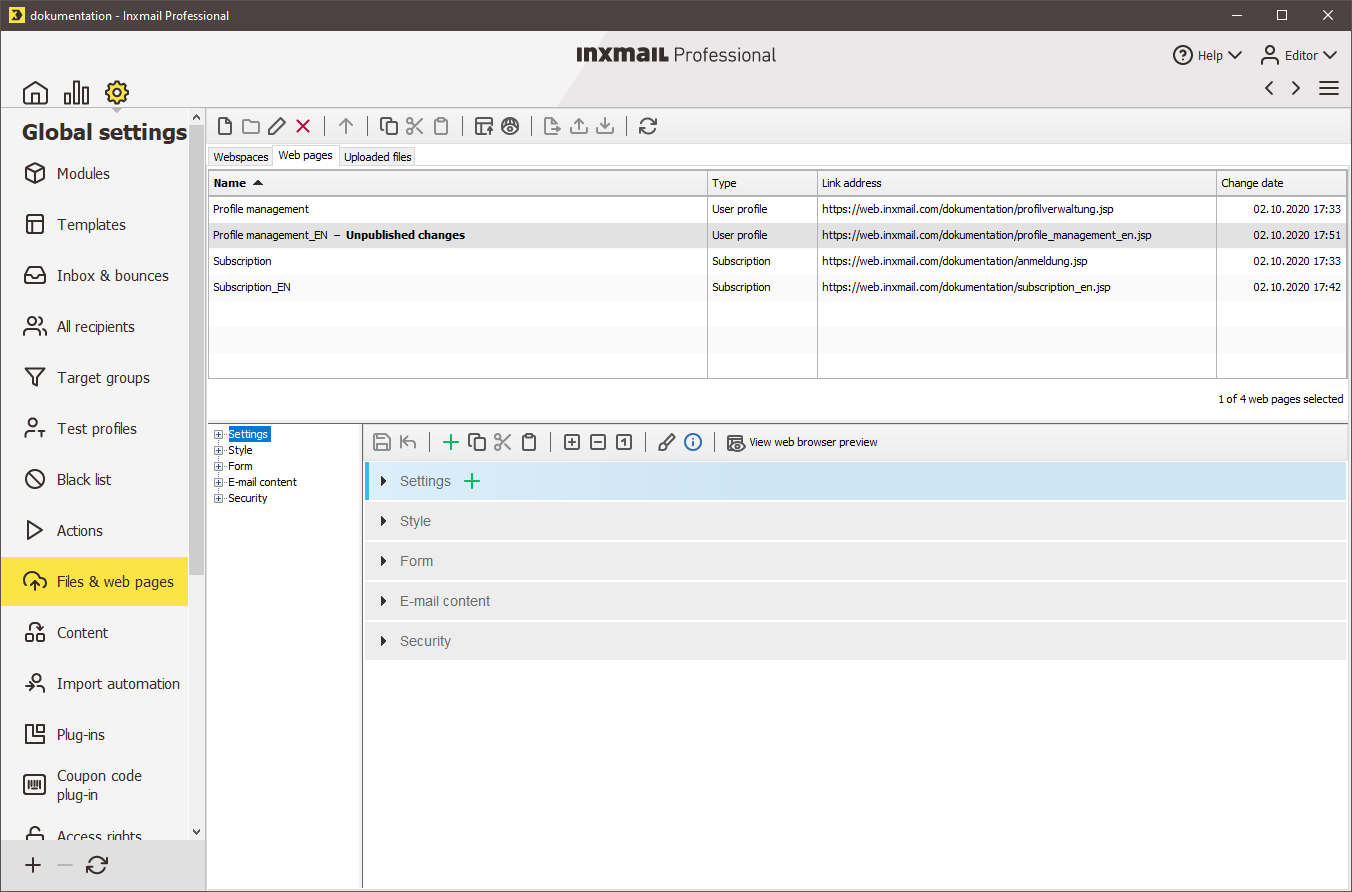
Save your entries.
In the Web pages overview, you will see the message Unpublished changes.
-
You have performed a design update for your Profile management Web page.
Publish your Web page for the changes to go live.
Inxmail Professional:
2 possible use cases
Depending on your contract, you might use Inxmail Professional in different ways:
 Learn more
-
As part of the Inxmail platform: You use newsletters & campaigns as your main tool for creating and sending newsletters. Inxmail Professional only serves as a recipient database and configuration tool in the background.
We are constantly expanding the functionality of “Newsletters & Campaigns”. Check out newsletters & campaigns section to find out if the feature you are looking for might already be available there.
-
Full scope: You use the legacy tool Inxmail Professional as your main tool for creating and sending newsletters.
Did you not find what you were looking for?
-
Send us your feedback.
