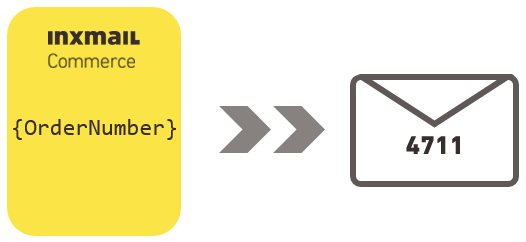
To be able to use Inxmail Commerce, it helps if at this point you already have an understanding of how placeholders work. (In many systems, placeholders are also called variables.)
The main process when using Inxmail Commerce is the transfer of data from the source system to Inxmail Commerce. The data is not transmitted ‘statically’, but using placeholders.
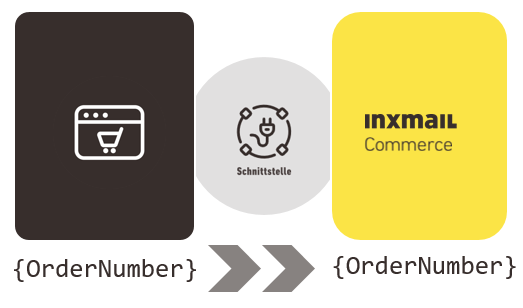
The placeholders transferred from the source system to Inxmail Commerce are available to you in Inxmail Commerce at all the relevant places. For example, in the Mail Builder, you can select the desired placeholder from a drop-down list. When the transactional email is sent, the placeholder is replaced by the information for the respective recipient. So you only need to insert the placeholders for the desired information once into the mailing. The correct contents for the recipient are automatically inserted instead of the placeholders. Detailed information can be found in the section Creating a mailing – inserting placeholders.
Example The {OrderNumber} placeholder is used in the Inxmail Commerce editor. The placeholder is replaced by the order number 4711 in the transactional email sent.