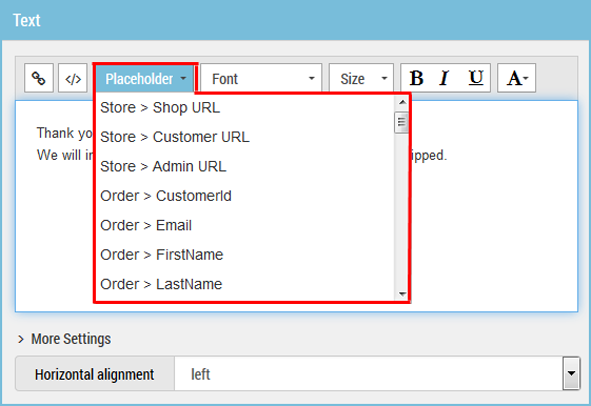
You can insert placeholders into mailings using the drop-down menu. The drop-down menus are available in the individual modules.
The screenshot shows the placeholder drop-down menu in the text element of a module.
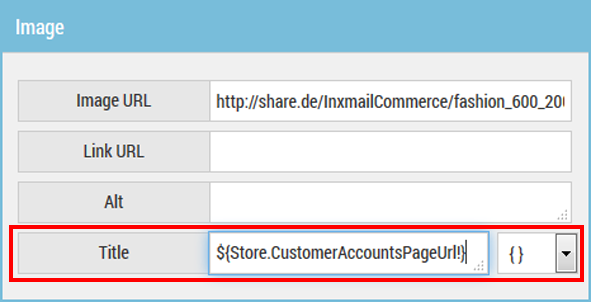
In the case of some modules/elements, it is first necessary to click the respective element or the respective property in order for the placeholder drop-down menu to be displayed. This is the case for the Image element.