The mailings that you create with the Mail Builder are structured using a modular principle. They consist of modules and elements.
Modules
At the highest level, a mailing consists of modules.
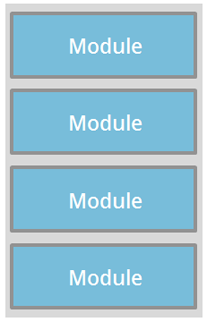
The mailing is created by adding modules in the Mail Builder. You can change the position of the modules after adding or delete modules. This provides you with a great deal of flexibility when structuring your mailing layout.
Elements
Modules consist of elements. The elements consist of either an image or text. Furthermore, each module has a layout element.
A module may contain any number of elements. An example is the One-column image module. This module only contains the Image element.

There are also modules that contain both text and image elements. This is the case for the Image/Text module.

You can find an overview of all of the modules in the section Overview of standard modules.
Properties
Elements have properties. You use these to specify the content and display of the element. The Image element, for example, has the Image URL property. You use this property to control which image is to be linked and thereby displayed.
The Text element, for example, has the Horizontal alignment property. You use this property to control whether the text is left-aligned, right-aligned or centred.
The Layout (Module) element is an exception. Its properties do not only control the display of the specific element, but rather the module as a whole or all elements of the module. As a result, the Layout (Module) element of the Image/Text module controls the distance between image and text, the distance to the next module and the width of the image and the text.
Width of a mailing/module – 600 pixels
Mailings must be 600 pixels wide. Only then is the correct display in email programs ensured.
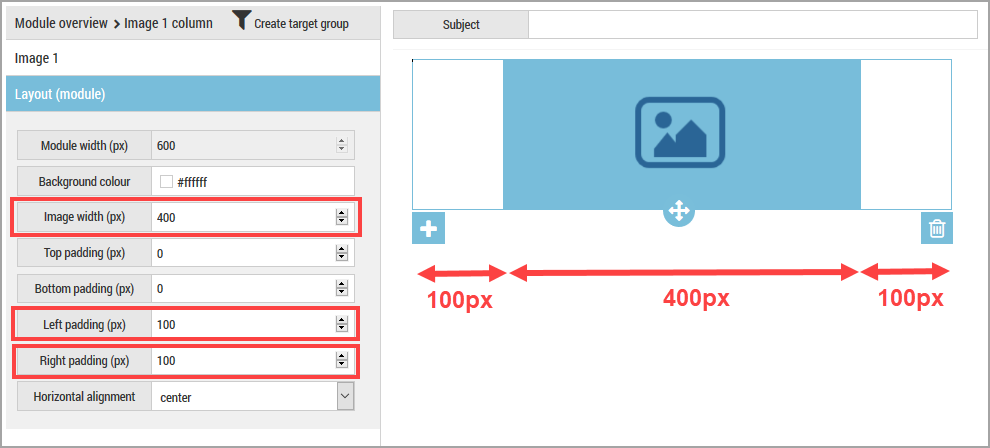
You can change the width of elements using the Layout (Module) element. The width of elements in a module together with the distances left and right must always be 600px, however.
Example
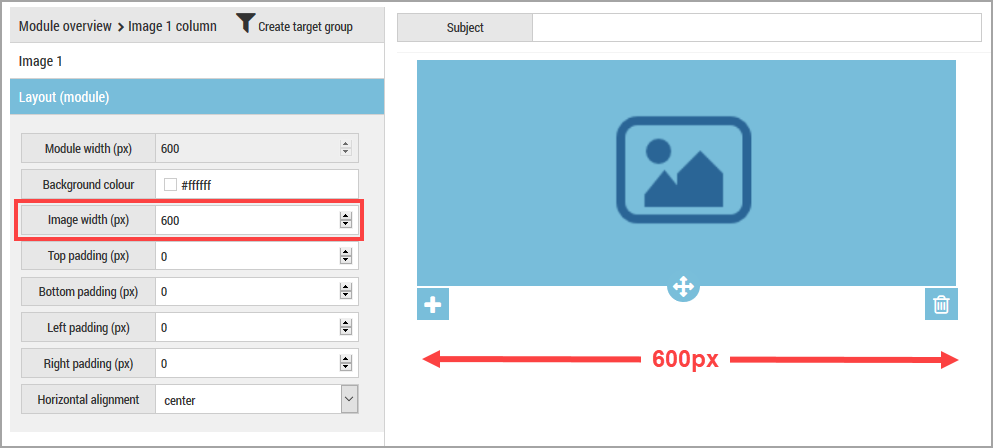
In this example, the image is 600px wide. This corresponds to the template.
In this example, the image is 400px wide. So that the module or mailing width is 600px, the left and rights distances have each been set to 100px.