You can access the Inxmail Professional online help at all times by clicking Online help on the Help menu or by pressing the F1 function key. The Online help will then be opened in your default browser.
If context-sensitive help (that is, a help topic that is directly related to the Inxmail Professional function that you have started) is available, this will be displayed after you have pressed the F1 function key.
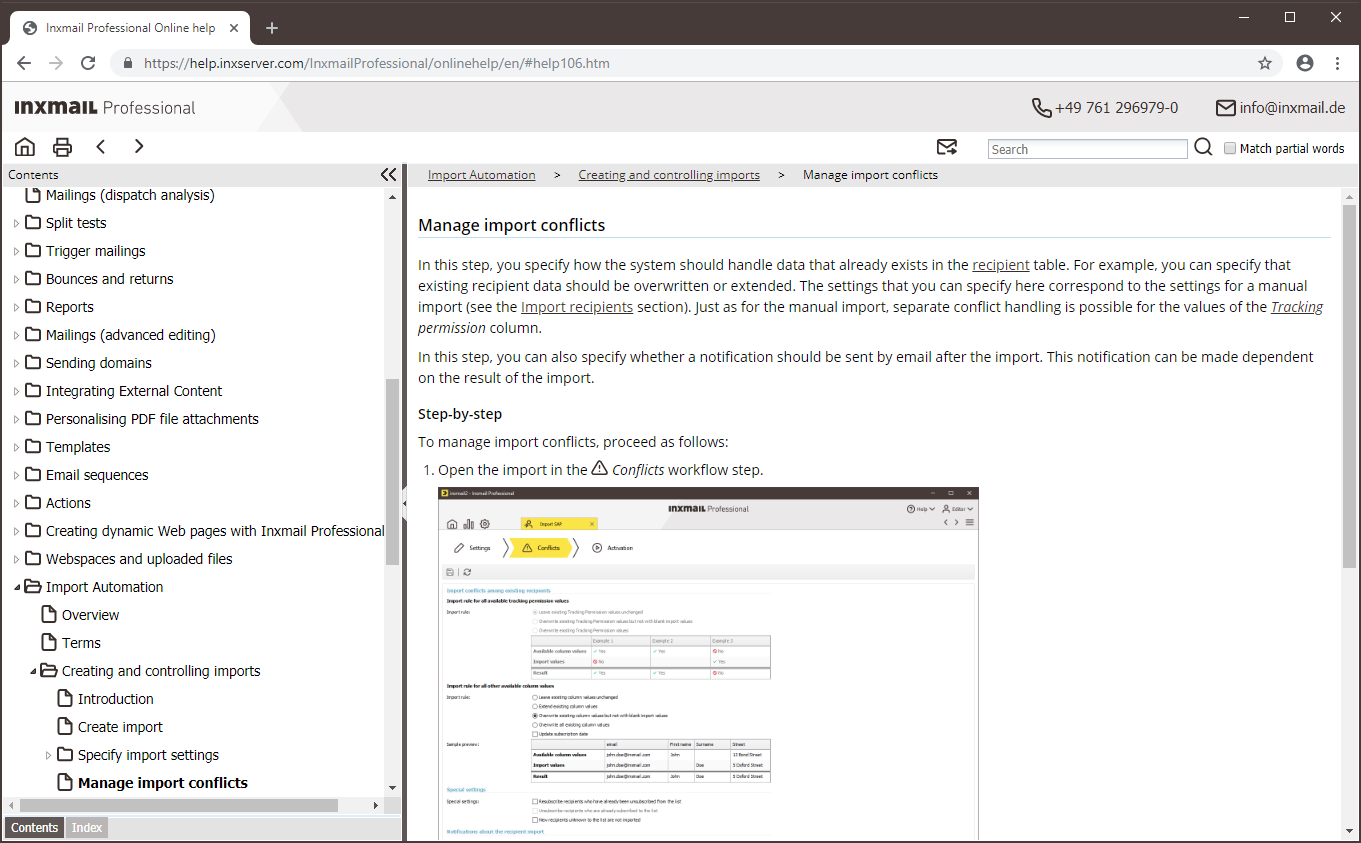
Example If you open an Import Automation in the Conflicts workflow step and then press F1, the online help for the respective workflow step will be displayed.
Inxmail Professional:
2 possible use cases
Depending on your contract, you might use Inxmail Professional in different ways:
 Learn more
-
As part of the Inxmail platform: You use newsletters & campaigns as your main tool for creating and sending newsletters. Inxmail Professional only serves as a recipient database and configuration tool in the background.
We are constantly expanding the functionality of “Newsletters & Campaigns”. Check out newsletters & campaigns section to find out if the feature you are looking for might already be available there.
-
Full scope: You use the legacy tool Inxmail Professional as your main tool for creating and sending newsletters.
Did you not find what you were looking for?
-
Send us your feedback.
