You can create the content of your mailing in the  Mailings agent, on the Mailings tab of the desired mailing list.
-
Click the
 (Create new mailing) button.
 -
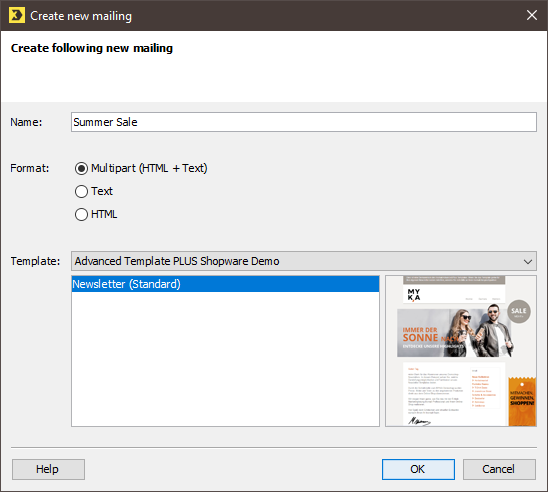
Enter the name for the mailing. It will later appear under this name in the mailing table.
-
You can create HTML, text or multipart mailings. The latter type consists of a text part and an HTML part. Recipients can then select which format they require.
-
We opt for a multipart mailing and select the Inxmail Advanced Templateas the template. The subsequent steps will be demonstrated using this template.
-
Once you have decided on your format and template, click OK.
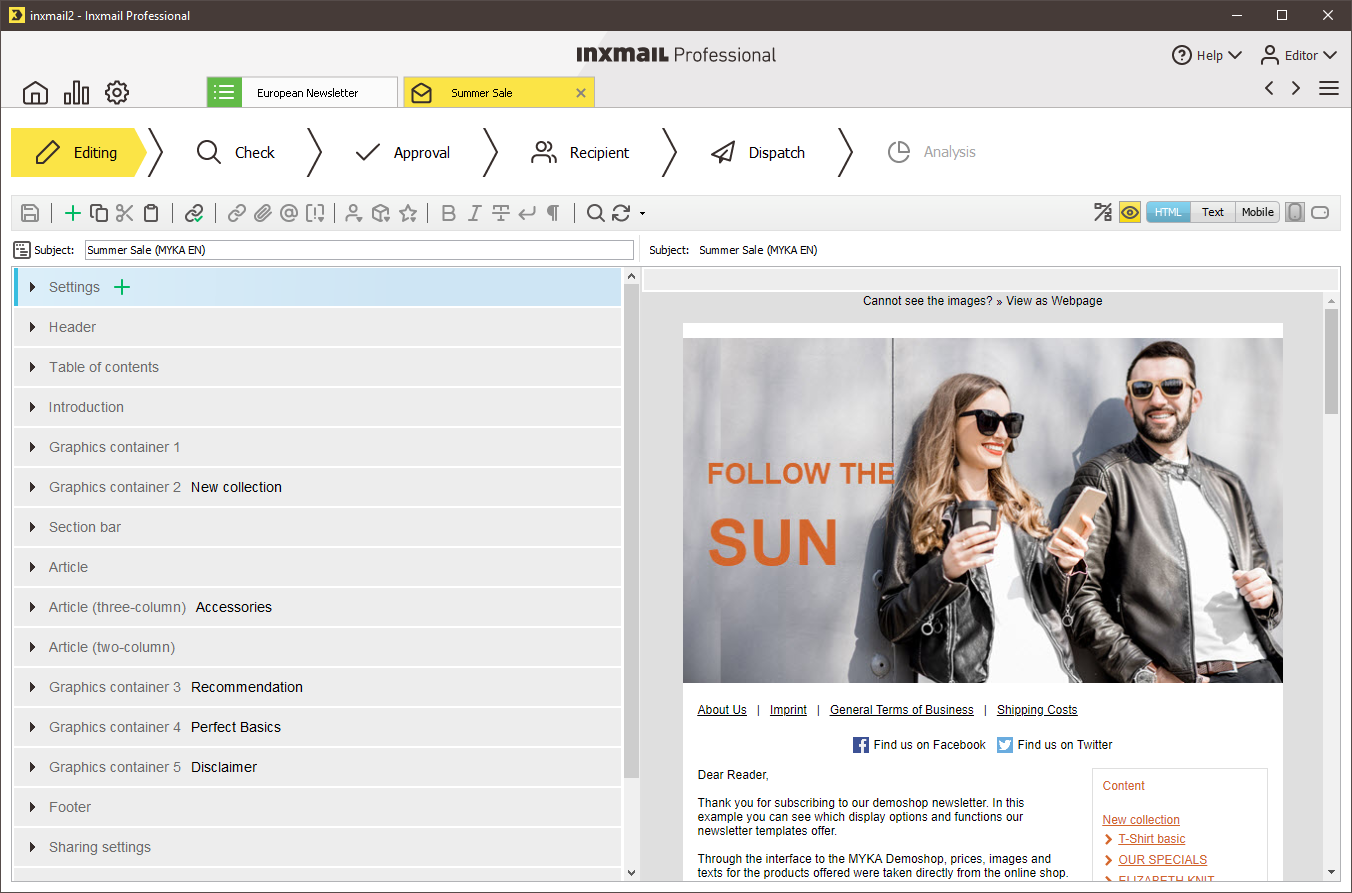
An new empty mailing in multipart format is created and opened in a new tab. You can enter the contents in the left-hand editor area. The following screenshot shows a multipart mailing based on the Inxmail Advanced Template.
Templates for your company can be obtained from agencies or directly from Inxmail GmbH. Speak to your agency or Inxmail contact person.
Related topics
Inxmail Professional:
2 possible use cases
Depending on your contract, you might use Inxmail Professional in different ways:
 Learn more
-
As part of the Inxmail platform: You use newsletters & campaigns as your main tool for creating and sending newsletters. Inxmail Professional only serves as a recipient database and configuration tool in the background.
We are constantly expanding the functionality of “Newsletters & Campaigns”. Check out newsletters & campaigns section to find out if the feature you are looking for might already be available there.
-
Full scope: You use the legacy tool Inxmail Professional as your main tool for creating and sending newsletters.
Did you not find what you were looking for?
-
Send us your feedback.
